 SOS Alert
For women
Walk, commute and travel on your own schedule.
Confidence comes from knowing you can reach someone quickly, discreetly and without unnecessary complexity.
Explore Women’s Safety
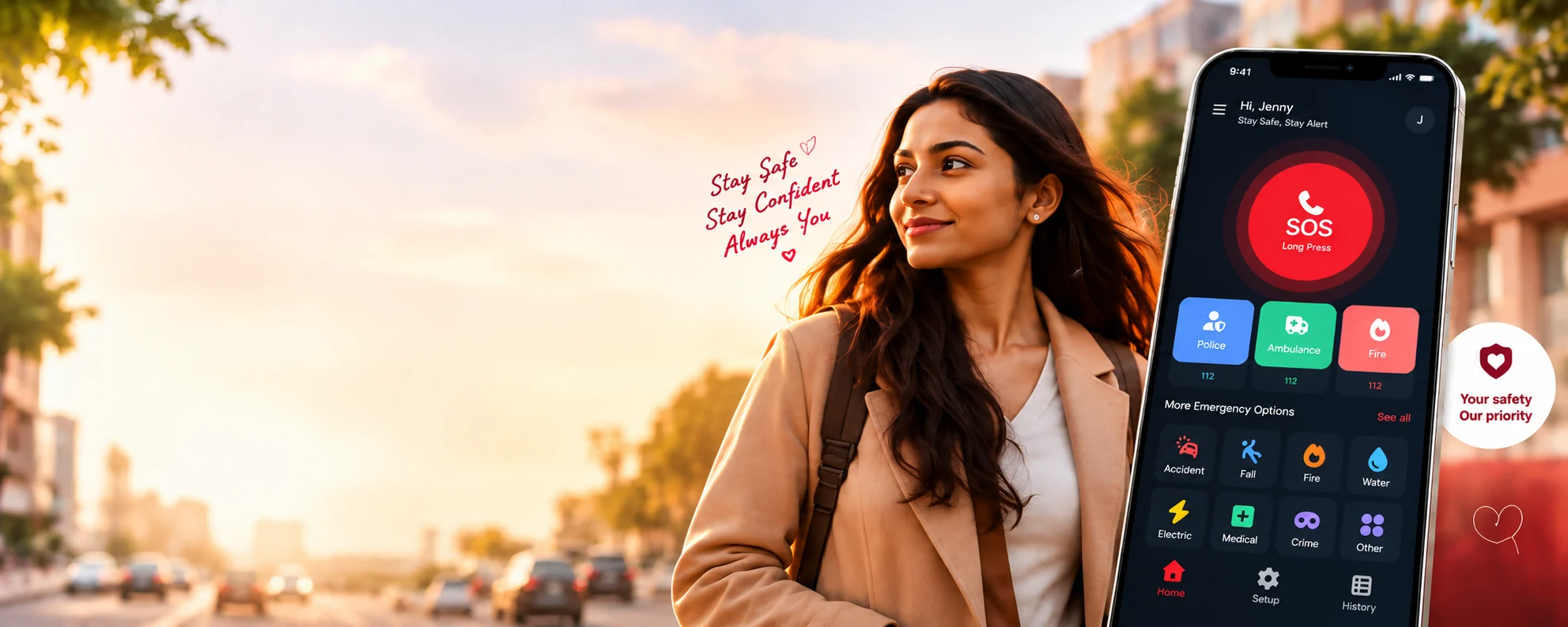
Go where you’re going. Help is one press away.
SOS Alert helps you reach the people you trust when something goes wrong.
SOS Alert supports emergency services; it does not replace them. If you are in immediate danger, contact your local emergency number.
For women
Confidence comes from knowing you can reach someone quickly, discreetly and without unnecessary complexity.
Explore Women’s SafetyFor older adults and their families
Simple, accessible emergency assistance helps people stay connected to the trusted people in their lives.
Explore Safety Features
SOS Alert cannot prevent an incident or guarantee that anyone responds. It does not detect falls automatically; someone has to press the button.
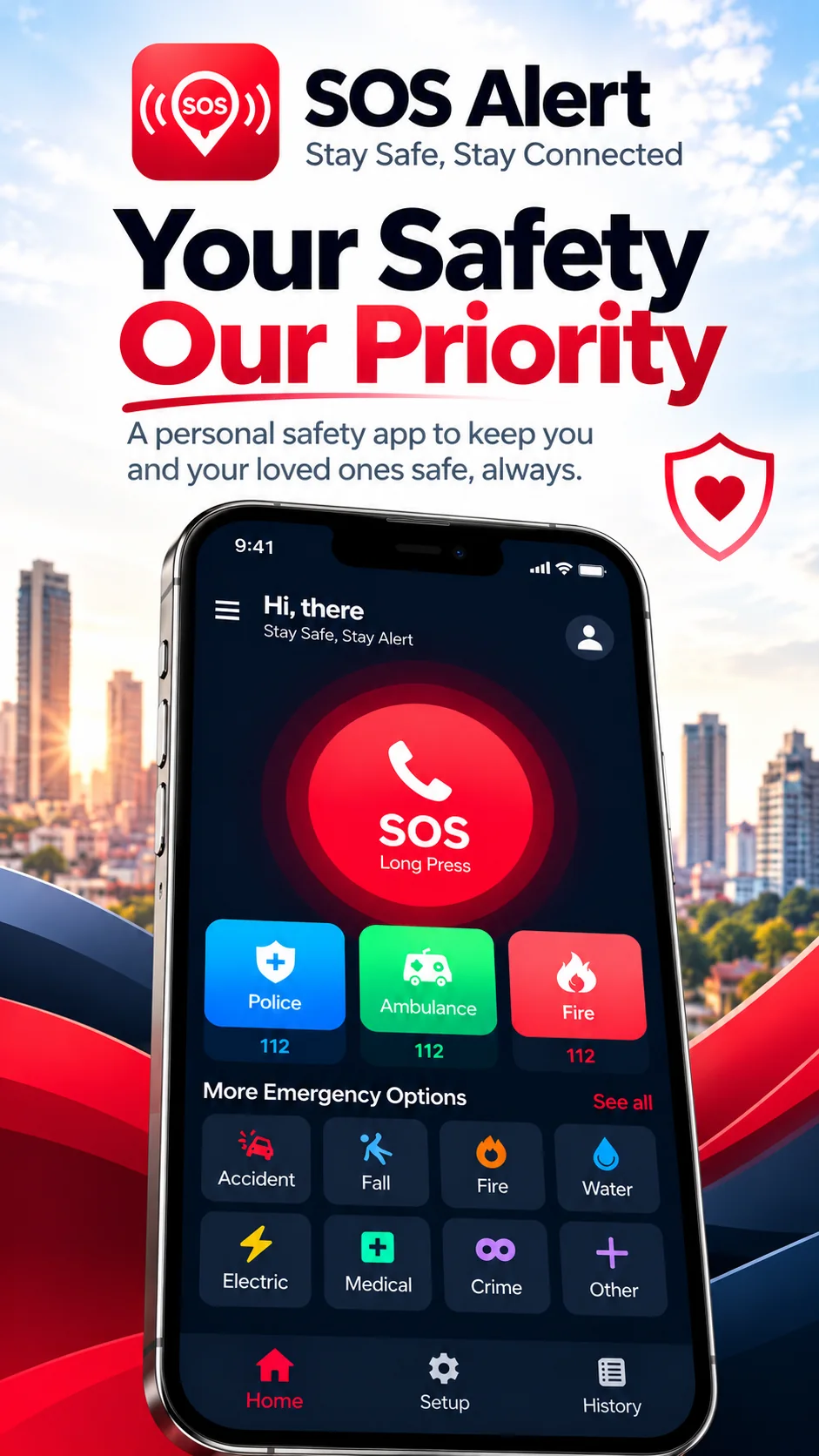
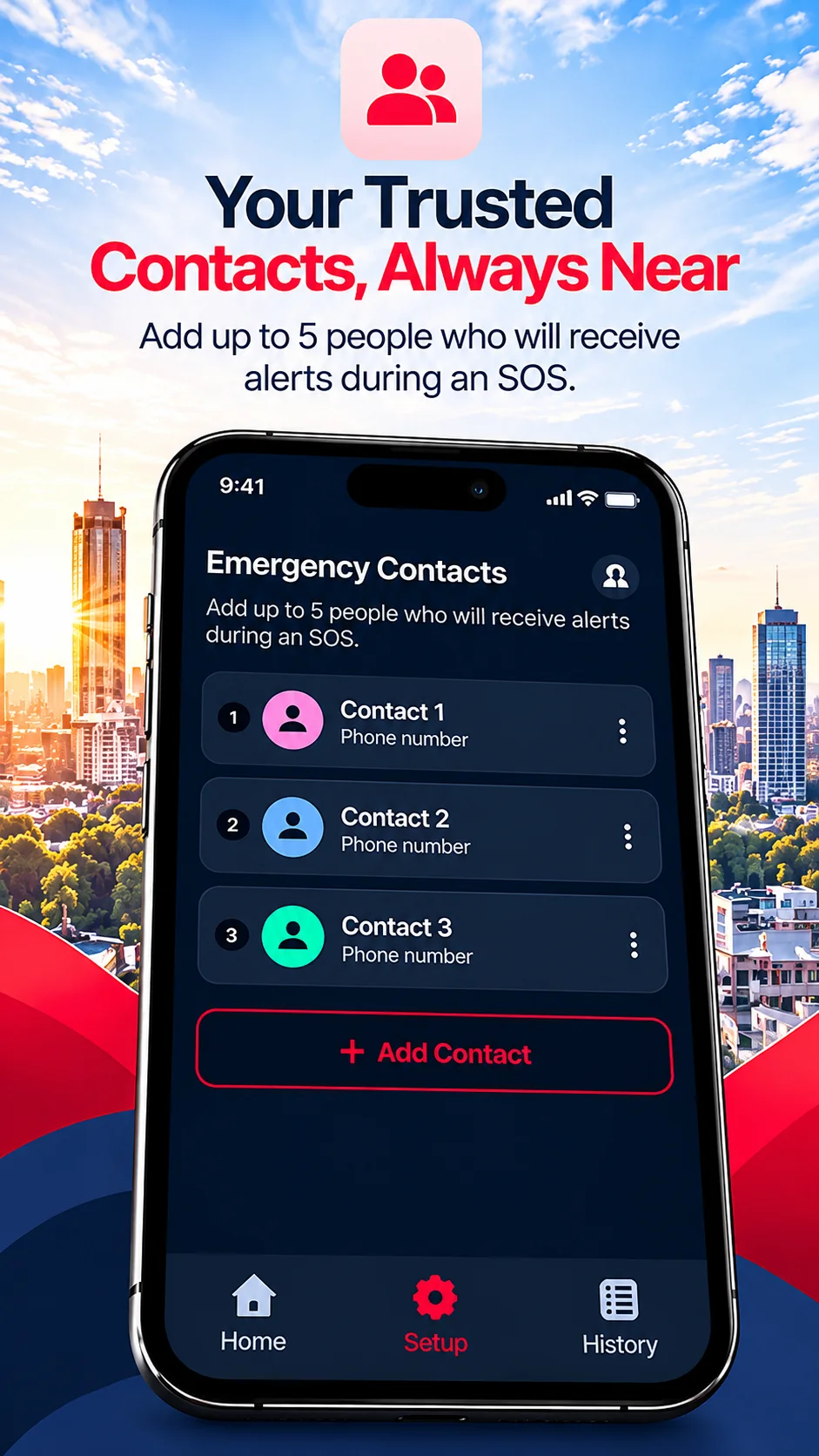
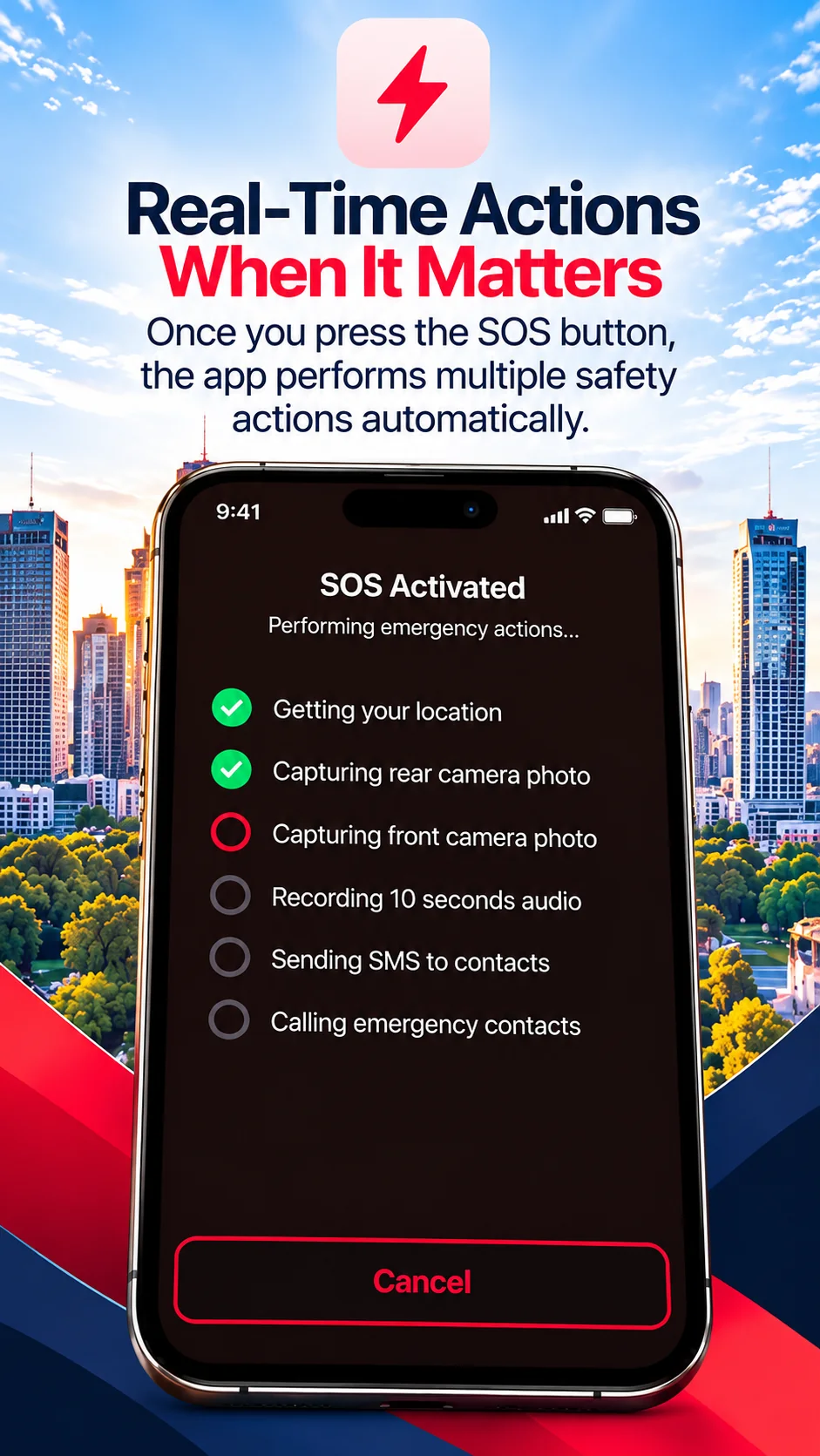
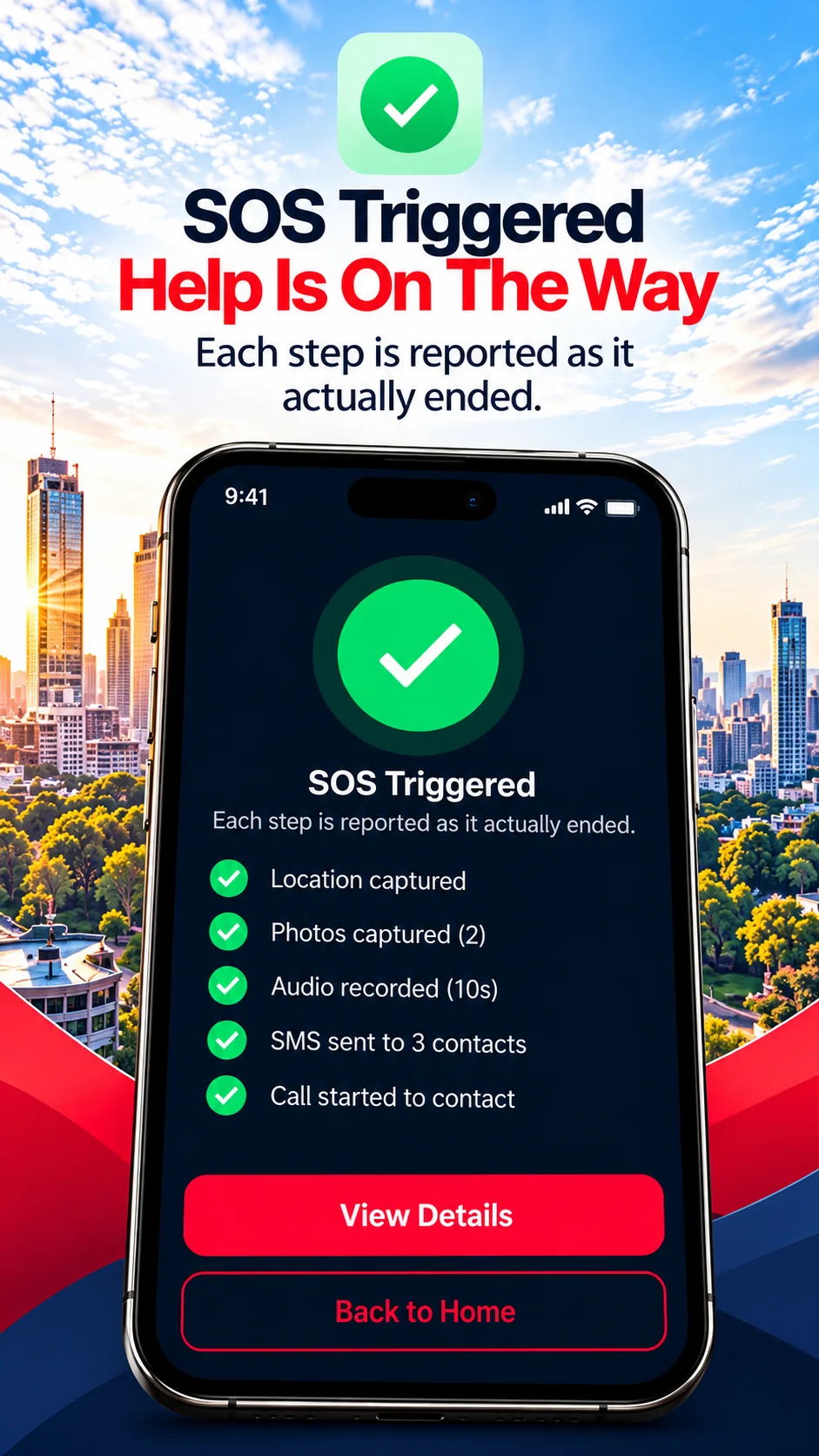
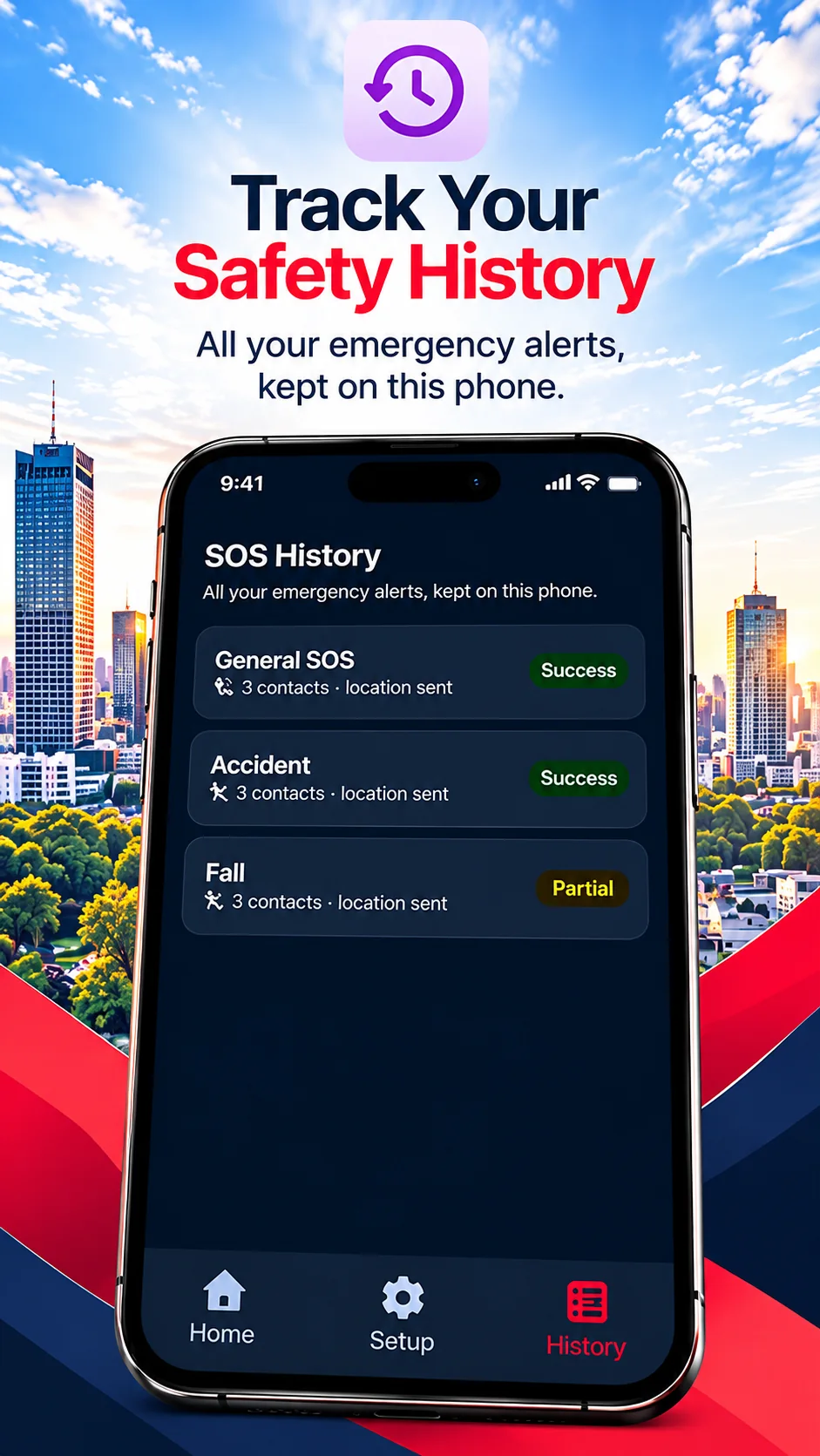
Simple, clear and built for real moments. Illustrated pictures of the app’s main screens, not real alerts or data.
Some things depend on your phone. Read these once, so nothing surprises you when it matters.
On Android, the app sends the texts and starts the calls for you. On iPhone, Apple does not allow that, so the app opens Messages and the call screen and you tap Send and Call. The app cannot see whether you did.
On iPhone, photos and sound are recorded only while SOS Alert is open on your screen. Apple does not let apps use the camera or microphone in the background.
You need an account. After you confirm an SOS, your photos and audio are uploaded to our server and your contacts get a link by text. Anyone who has the link can open them until it expires.
For emergency numbers like police or ambulance, the app opens the call screen with the number ready and you press call. The app can show that a call started or a text was handed over for sending, but not whether anyone answered or the text arrived.
Without a SIM card and mobile signal, texts and calls cannot go out. Battery-saving settings on some phones can also stop the app working in the background.
We have not tested SOS Alert on every phone model, or on every version of Android and iOS.
Set up once, then six steps in an emergency.
Add up to five emergency contacts and switch each on or off.
Select photos, audio, location, texts and calls. Grant only the permissions you want.
Hold the SOS button for 3 seconds while a ring fills. Letting go early starts nothing.
A full-screen 5-second countdown follows. Press Cancel and nothing is sent, started or uploaded.
Each action runs on its own. One failing does not stop the others.
The result screen and History show each step as done, failed or not attempted.
On Android the app needs permission for location, text messages, phone, camera, microphone and notifications; on iPhone, for location, camera and microphone. It explains each before asking and never asks during an SOS. Pressing the button is not proof that anyone received anything; check the result screen.
The same app on both. Where Apple’s rules differ, you confirm on screen and the app says what really happened.
| What happens in an SOS | Android | iPhone |
|---|---|---|
| Hold the button, 5-second countdown, cancel | Yes | Yes |
| Location in the alert | Yes (asks until allowed) | Yes (asks until allowed) |
| Text to your contacts | Sent by the app | Messages opens; you tap Send |
| Calls to your contacts | Dialled one after another | Call screen opens for the first; you call the others from a list |
| Photos and audio | Yes, also with the app off the screen | Yes, while the app is open |
| Permissions to allow | Location, SMS, phone, camera, microphone, notifications | Location, camera, microphone |
On iPhone the app cannot know whether you pressed Send or Call, so it reports “Messages opened” or “call screen opened”, never “delivered” or “answered”.

Why it exists
Privacy and trust
Specific, current facts. The full detail is in the Privacy Policy.
An SOS needs a 3-second hold and then a 5-second countdown you can cancel. Until it ends, nothing is sent, started or uploaded.
Each permission is explained before the system asks, and never requested in the middle of an emergency.
After an SOS you confirmed, they are uploaded to our server and your contacts get a link. Anyone with the link can open the file until it expires (7 days by default). You can switch photos and audio off.
The camera and microphone show a visible notice (Android) or Apple’s own indicator (iPhone). They never run secretly.
Your name, email, phone number, contacts and SOS records are stored on our server. Passwords are stored only as hashes.
Delete your account in the app or on the deletion page. Your data on our server and storage goes with it.
History is not encrypted on the phone, and there is no app lock yet. We list open items rather than hide them.
Quick answers to common questions.
SOS Alert is an app for Android and iPhone that, when you start an emergency, can text and call the contacts you chose, share your location, take photos, record a short audio clip, and send your contacts links to the photos and audio. It is a tool to help you ask for help. It is not an emergency service itself.
It reads your position when an SOS is being prepared (during the 5-second countdown) and when it starts, and never follows you in the background. The position goes into the text to your contacts and your history on the phone, and may be stored with the SOS record on our server. If you cancel during the countdown it is discarded, and nothing about it is uploaded, texted or shared. If a position cannot be measured, the message says so; the app never sends an old or estimated position.
Settings, history, photos and audio are kept on your phone. Your account (name, email, phone number, a password hash), emergency contacts, SOS records and the photos and audio uploaded after an SOS are kept on our server and with our storage provider. The Privacy Policy lists what is collected, why, who receives it and how long it is kept.
Yes. SOS Alert is on the App Store for iPhone and on Google Play for Android. On iPhone the SOS, location, photos, audio, Messages and calls work as described in these answers.

Get started
A safer, more confident you. Set it up on a calm day, so it is ready on a hard one.